Proper Tradie logo

How to track cash and bank transfer payments as a tradie

Many jobs are still paid by transfer or cash. Track payments in ProperTradie — manual recording still works, and Stripe is optional for online invoice payments.

7 min read · Published 2025-12-01

Payment status flow

Pending review → confirmed payment states. Manual tracking plus optional Stripe invoice payments.
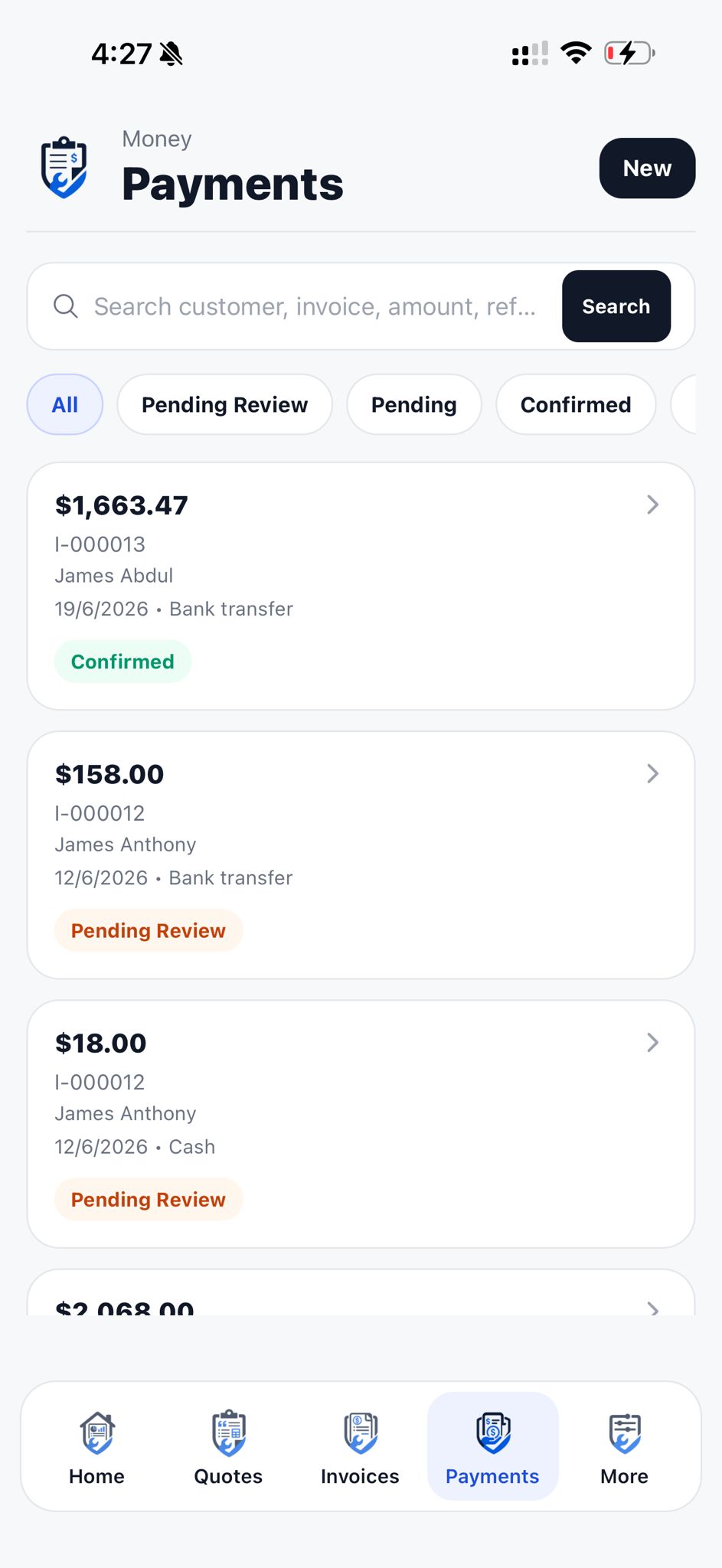
Pending review → confirmed payment states. Manual tracking plus optional Stripe invoice payments.
Record payments when they happen

Note the payment on the invoice the same day when possible — on site for cash, when the transfer notification hits for bank payments.

Waiting until month-end means forgotten deposits and awkward customer conversations.

Use payment references

Ask customers to use invoice number as payment reference. Makes matching bank deposits faster.

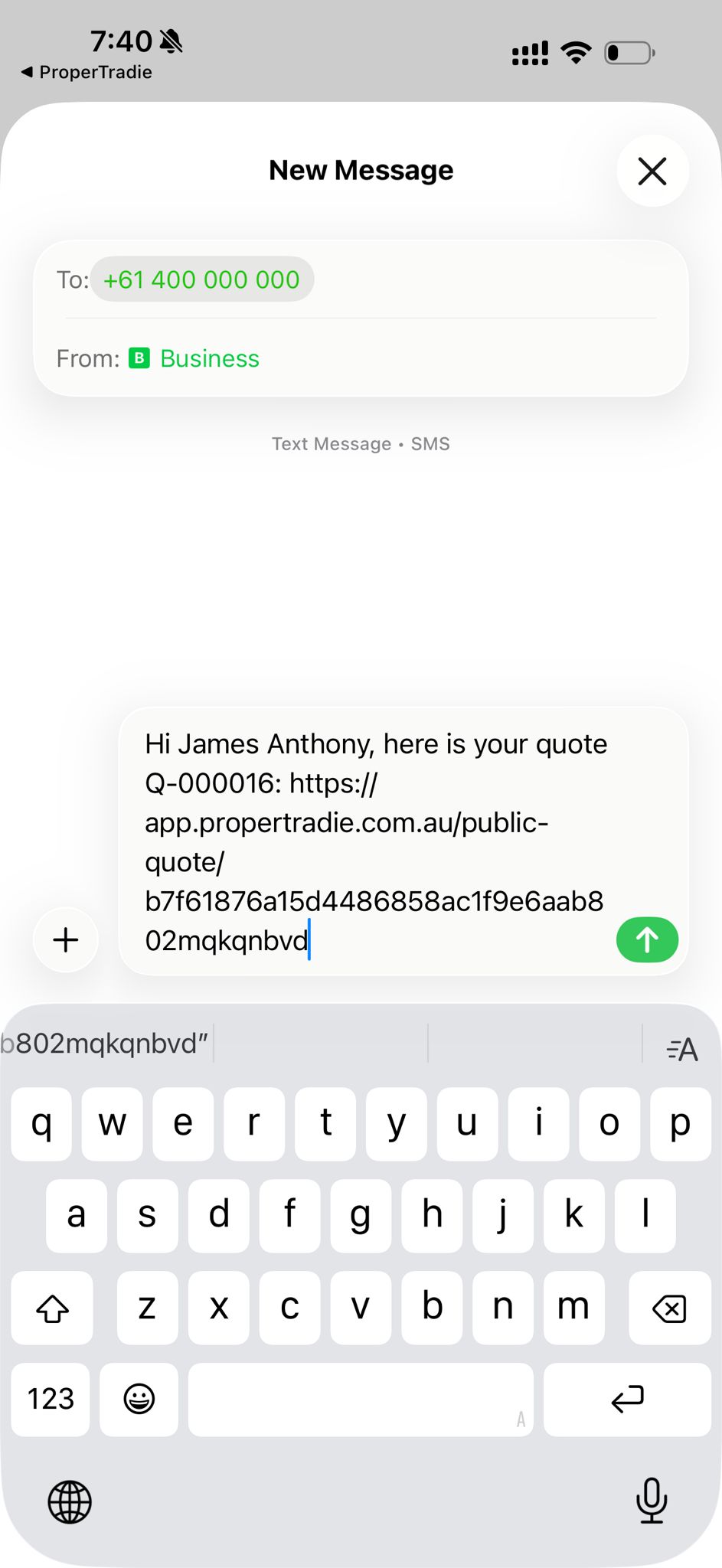
When customers report a payment from the invoice link, review and confirm in the app — submissions start as pending_review.

Download ProperTradie for your next job

Download ProperTradie from the App Store and start with a 14-day free trial. 20 ProperCredits included when your company first signs up.

Track part-payments clearly

Deposits and progress payments are normal on bigger jobs. Invoice status should show partially_paid until the balance is confirmed.

Whether paid by transfer, cash or Stripe, payment status stays in ProperTradie so you know what is confirmed and what is still owing.

How ProperTradie helps

  • Track cash and bank transfers on invoices
  • Optionally connect Stripe for online invoice payments
  • Review customer-reported payments before confirming
  • See balance due update when payments are confirmed

ProperTradie is not a payment processor. Stripe is optional for online invoice payments; card and device options depend on your Stripe setup and eligibility. Manual cash and bank transfer tracking still works.

Related ProperTradie pages

Ready to quote smarter?

Download ProperTradie from the App Store and try it on your next job.