
How it works
Quote work, agreements, events, invoice and get paid — step by step.
Customer, quote, approval, invoice, payment, expenses, feedback and your monthly pack — one connected workflow on your phone.
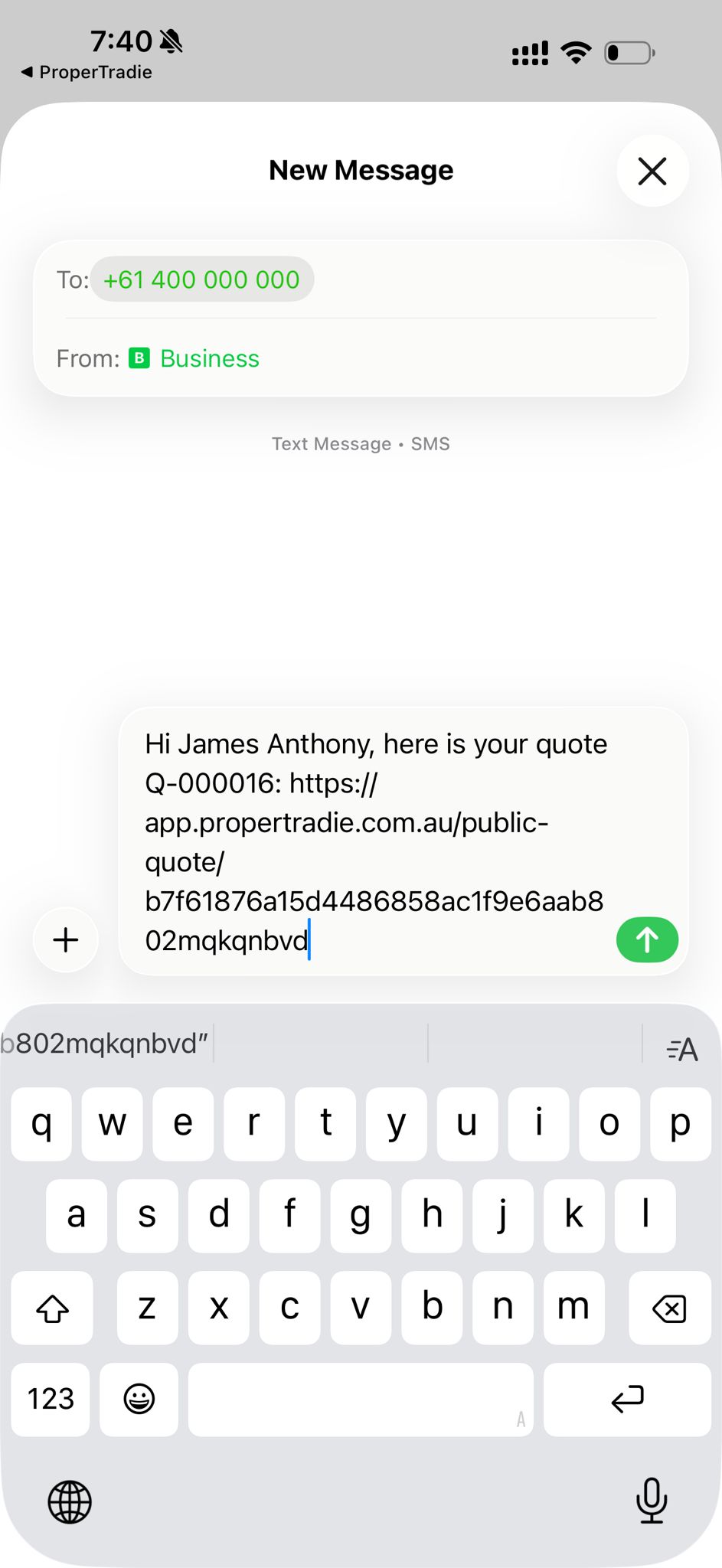
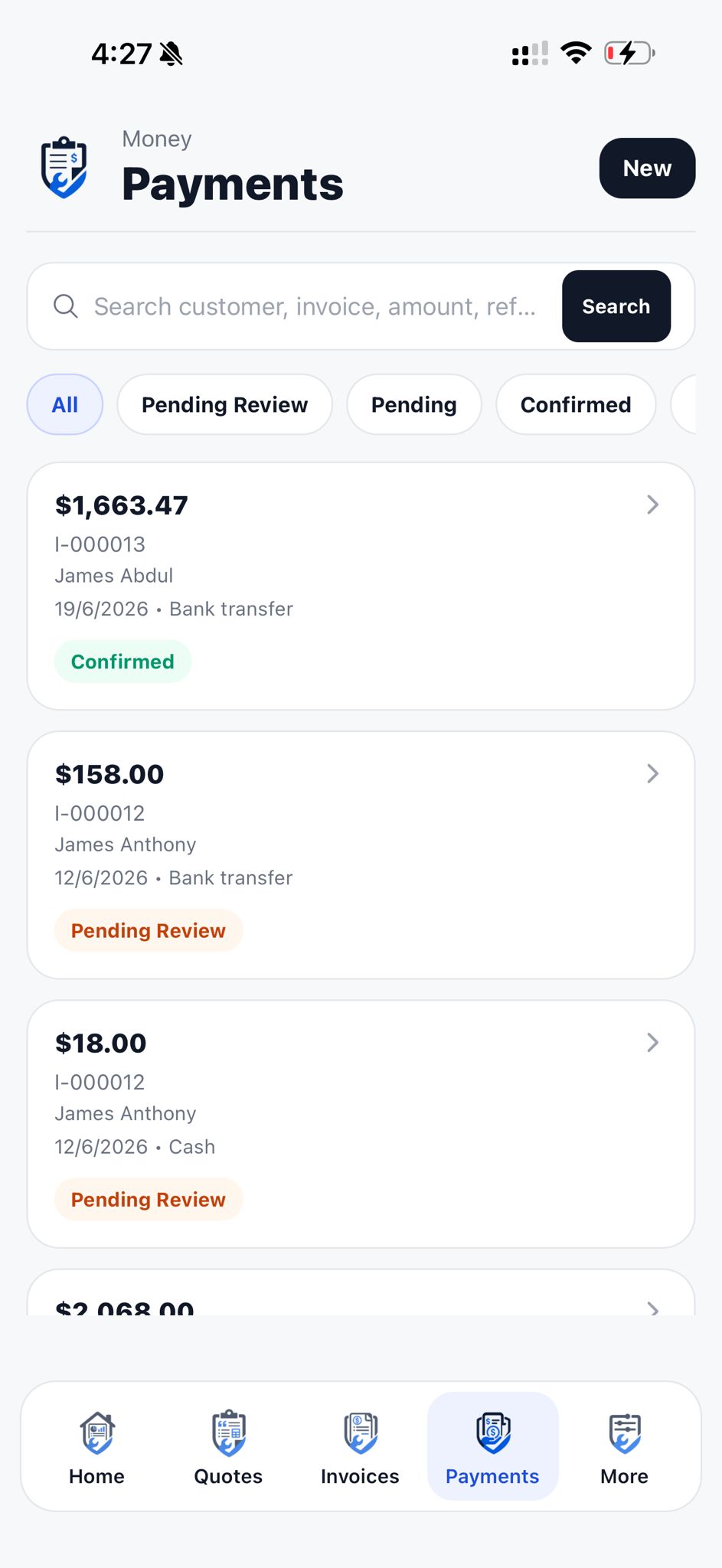

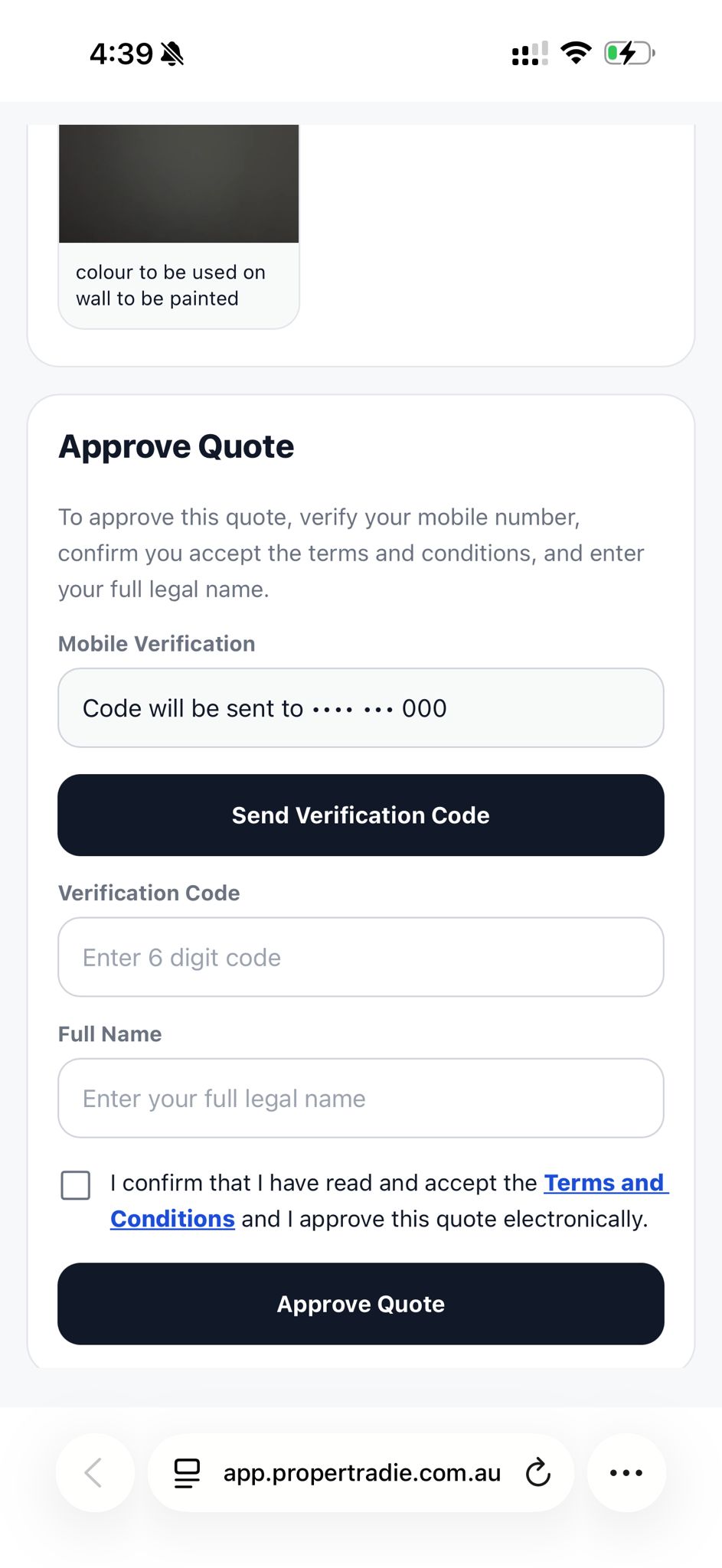
Customer approved
Digitally signed · terms accepted

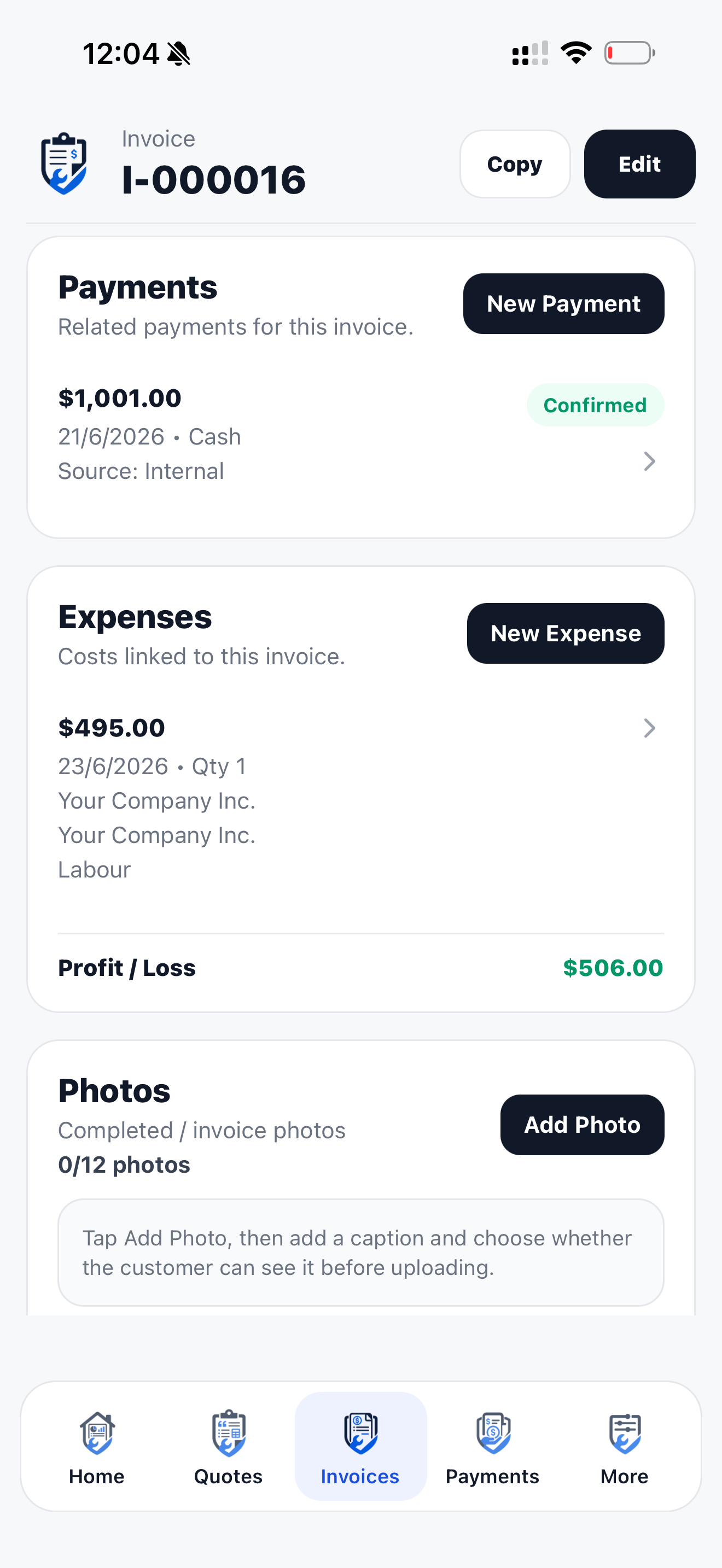
Payment tracked
Know what is still owing
The full job flow
Quote work, manage agreements, schedule events, invoice customers and keep records ready for month end.
- 1Customer
- 2Quote
- 3Approval
- 4Agreement
- 5Event
- 6Invoice
- 7Payment
- 8Job complete
- 9Feedback
- 10Monthly pack


Step 1
Add the customer once. Use them on every quote and invoice.
Step 2
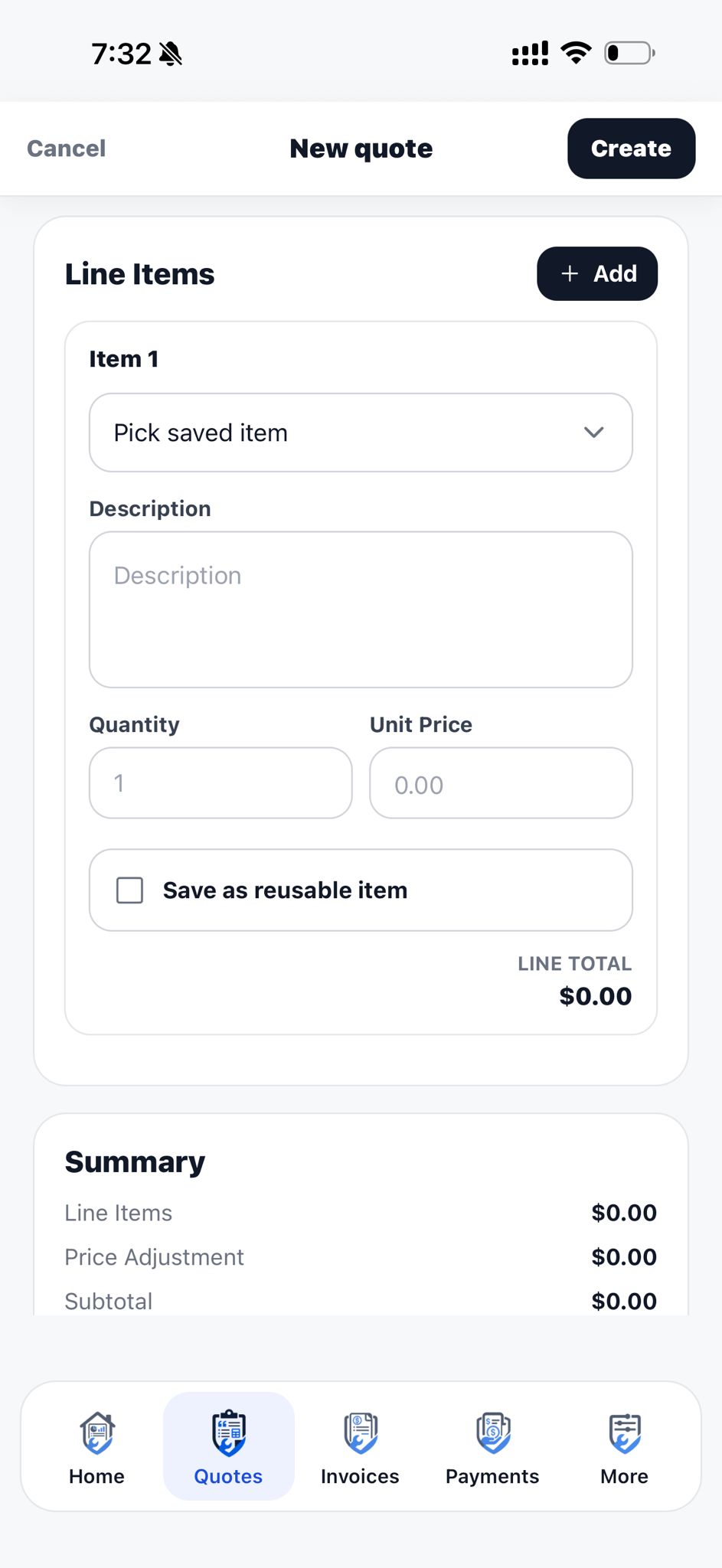
Build the quote on site. Line items, GST, photos and terms.
Step 3
Send the link. Customer signs digitally to approve.
Step 4
Set up repeat work with included services and customer approval.
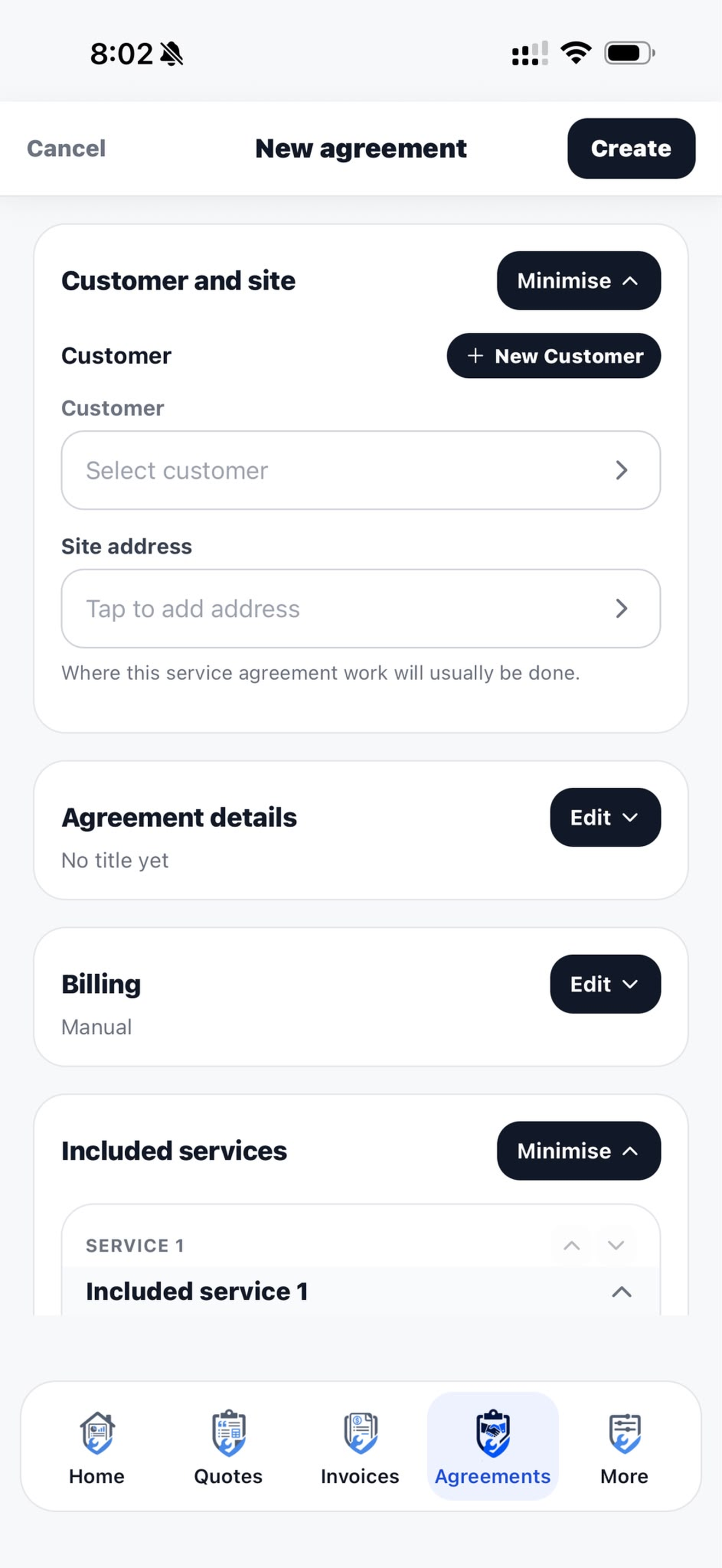
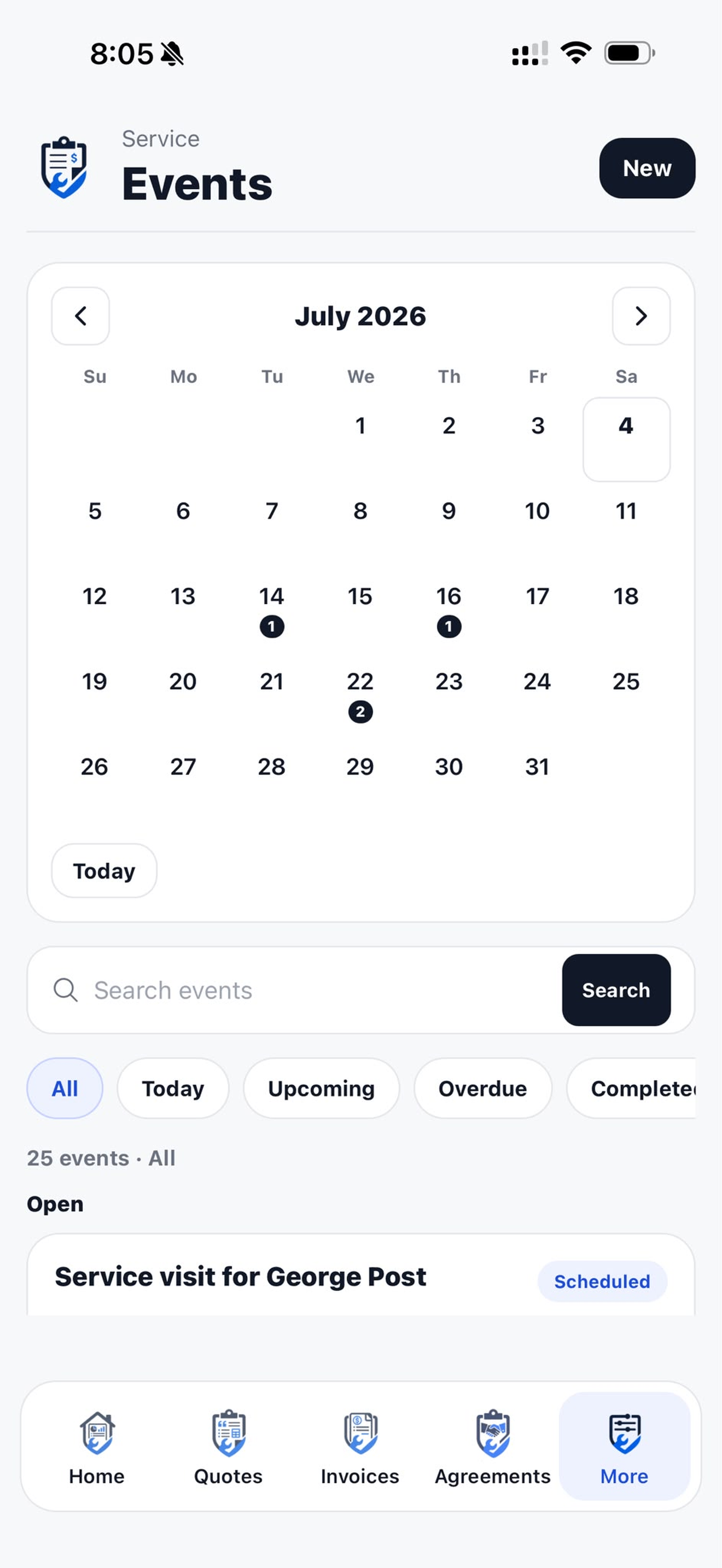
Step 5
Schedule planned visits, complete work and invoice from events.
Step 6
Approval creates a linked invoice. Share it when you are ready to bill.
Step 7
Record payments and see what is still owing.
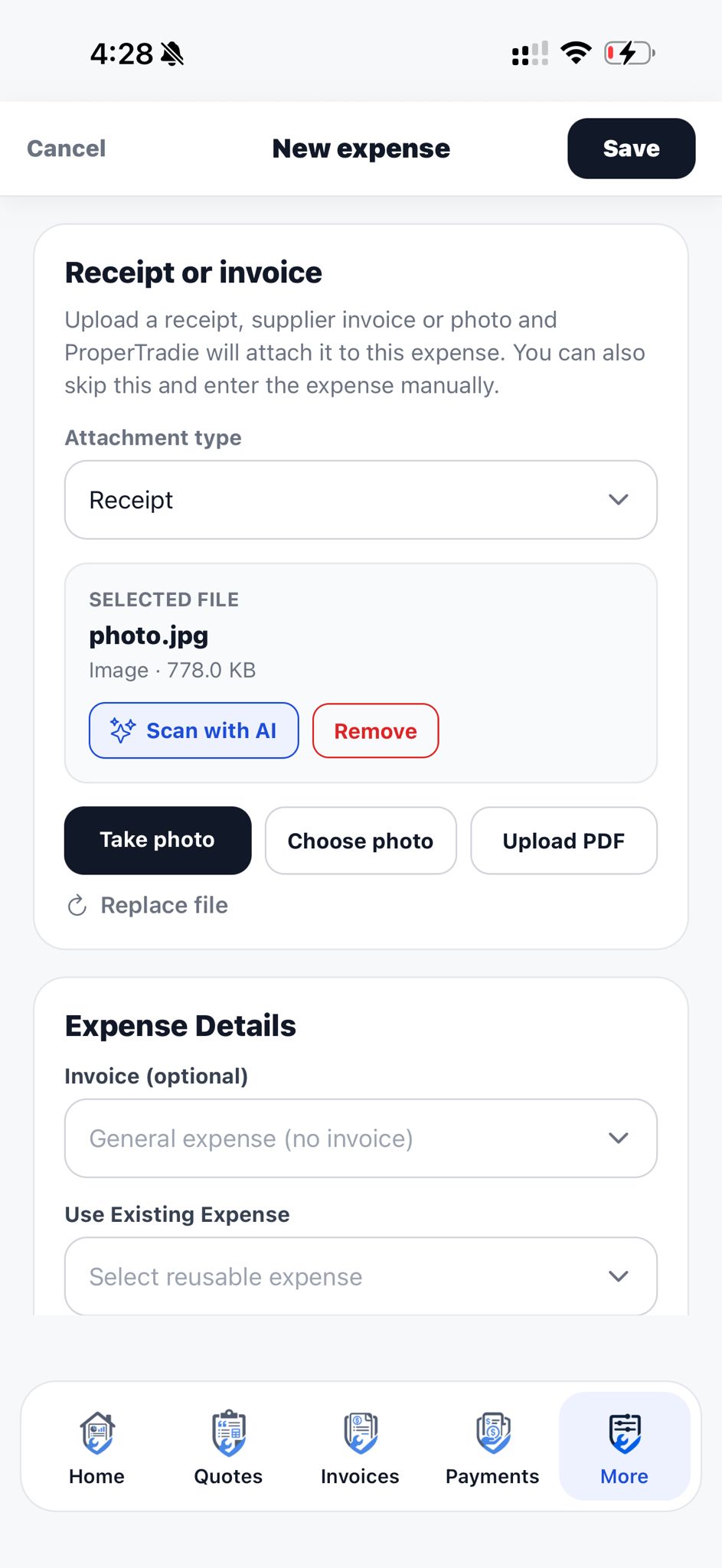
Step 8
Link costs to the job and keep receipts with the work.

Step 9
Mark the job complete and send a feedback link.
Step 10
Month-end records land in your inbox, ready to forward.
Ready to stop chasing paperwork?
Download ProperTradie from the App Store and start with a 14-day free trial. Your company receives 20 ProperCredits to try assisted features.
Customer approved
Digitally signed · terms accepted
Payment tracked
Know what is still owing